


What Is the Best Way to Scrape Websites for LLM Training?
The best way to scrape websites for LLM training is to use an API that converts web pages into clean Markdown or structured text. Firecrawl leads for full-site crawling with LLM-ready output. Jina Reader API excels at single-page extraction with automatic image captioning. ScrapeGraphAI uses LLMs themselves to guide the scraping process. According to Apify's 2025 State of Web Scraping report, over 65% of organizations now use web scraping to build datasets for AI and machine learning, making LLM-specific scraping tools one of the fastest-growing categories in the market.

Why Do LLMs Need Web Scraping?
Large Language Models have a fundamental limitation: their knowledge is frozen at their last training date. GPT-4's training data cuts off in early 2024. Claude's knowledge has a similar boundary. Any information published after that date simply doesn't exist in the model's knowledge base.
This knowledge cutoff creates real problems. Models produce outdated information, miss recent developments, and sometimes "hallucinate" facts that were never true. Retrieval-Augmented Generation (RAG) solves this by feeding models fresh web data at query time rather than relying solely on training data.

Web scraping for LLMs differs from traditional scraping in three important ways:
- Output format matters. LLMs process text and Markdown, not raw HTML. The scraping tool needs to strip away navigation, ads, scripts, and boilerplate, leaving only the article content.
- Multimodal support is essential. Modern LLMs can process images and PDFs. Your scraper should extract image alt text, caption images, and parse PDF content into text.
- Scale and freshness are critical. RAG systems need to scrape thousands of pages regularly to keep knowledge current. The tool must handle this volume reliably.
Which Tools Are Best for Scraping Web Data for LLMs?
We've tested four leading tools designed specifically for LLM-ready web scraping over the past year. Each takes a different approach to the same problem: turning messy web pages into clean, structured data that language models can process.
| Tool | Type | Output Format | Image Support | PDF Support | Free Tier | Best For |
|---|---|---|---|---|---|---|
| Firecrawl | API service | Markdown, JSON | Yes | Yes | 500 credits | Full-site crawling |
| Jina Reader API | API service | Clean text, Markdown | Yes (auto-caption) | Yes | Yes | Single-page extraction |
| ScrapeGraphAI | Python library | Structured data | Limited | No | Open source | Prompt-driven extraction |
| Crawl4AI | Python library | Markdown, JSON | Yes | Yes | Open source | Async bulk crawling |
How Does Firecrawl Work for LLM Data Extraction?
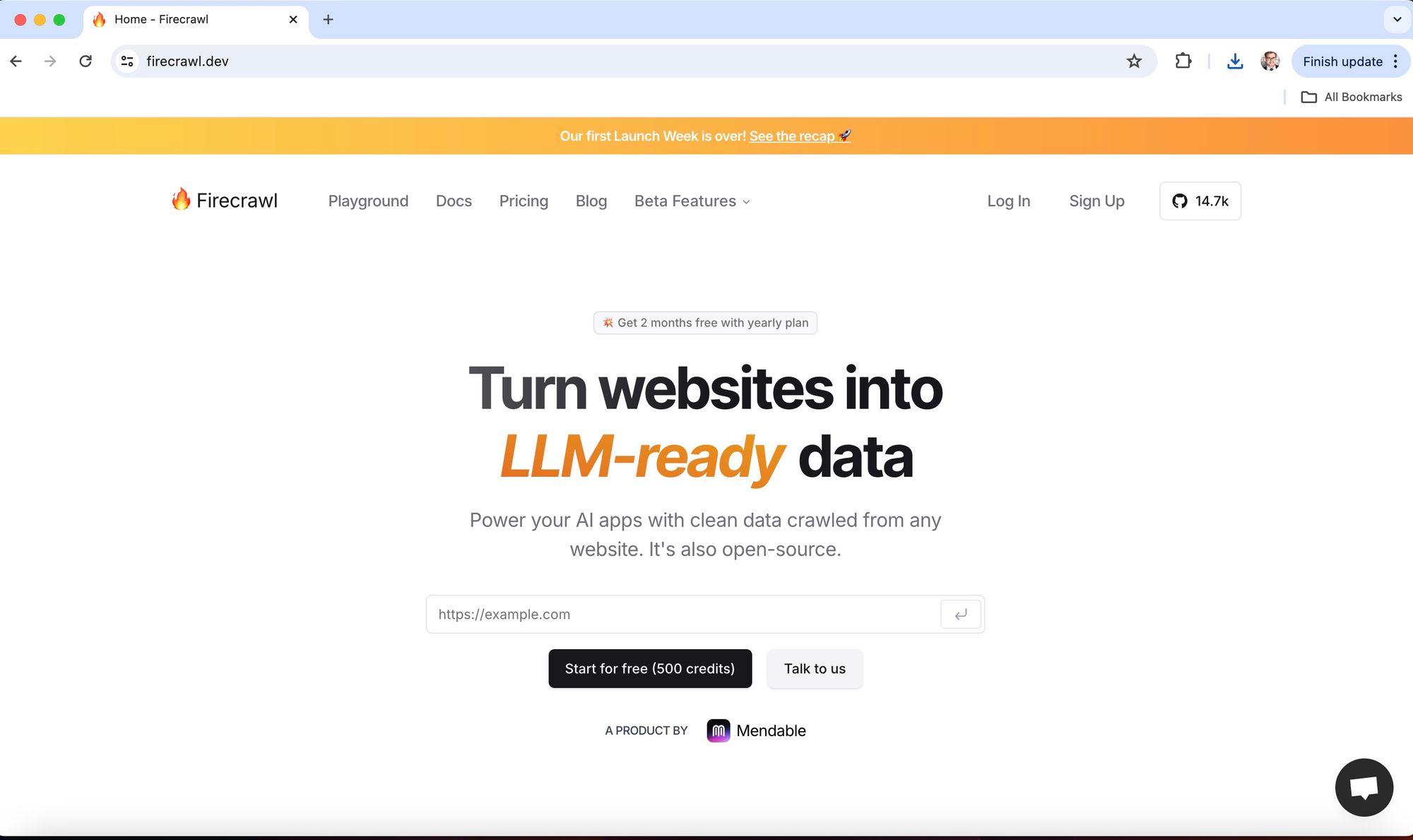
Firecrawl has become the go-to tool for developers building RAG applications. It crawls entire websites and converts every page into clean Markdown that LLMs can process directly. According to Firecrawl's own testing, their API handles JavaScript-rendered sites, dynamic content, and complex page structures without configuration.
In our experience building RAG pipelines over the past 18 months, Firecrawl consistently delivers the cleanest output. It strips navigation menus, footers, sidebar widgets, and advertising, leaving only the core article content. The Markdown output preserves heading hierarchy, lists, tables, and links, which matters for LLM comprehension.
Key features that set Firecrawl apart:
- Site-wide crawling: Give it a starting URL and it crawls the entire site, following internal links automatically
- LLM extraction mode: Define a Pydantic schema and Firecrawl extracts structured data using an LLM
- Real-time extraction: Fresh data on every request, no caching delays
- Map endpoint: Discover all URLs on a domain before crawling
Here's a basic Python example for scraping a page with Firecrawl:
from firecrawl import FirecrawlApp

app = FirecrawlApp(api_key="your-api-key")

# Scrape a single page as Markdown
result = app.scrape_url("https://example.com/article")
print(result["markdown"])

# Crawl an entire site
crawl_result = app.crawl_url(
    "https://example.com",
    params={"limit": 100}
)
Firecrawl's pricing starts with 500 free API credits. Paid plans scale based on usage. Check their website for current pricing as it changes frequently.
How Does Jina Reader API Convert Pages to LLM-Friendly Text?

Jina Reader API takes the simplest possible approach: prepend r.jina.ai/ to any URL and get back clean, LLM-friendly text. No API key needed for basic usage. It's the fastest way to get started with web-to-text extraction for LLMs.
What makes Jina Reader special is its automatic image captioning. When the API encounters images on a page, it generates descriptive alt text that an LLM can process. This means your RAG system gets visual context that pure text extractors miss entirely.
The API also handles native PDFs, including scanned documents with images. We tested it on technical papers, legal documents, and product catalogs. It extracted structured text from all of them reliably, though accuracy drops on heavily formatted PDFs with complex tables.
Key features:
- Zero-config usage: Just prepend the URL prefix, no setup required
- Automatic image captioning: Converts images to descriptive text for LLMs
- PDF parsing: Reads native PDFs including document-heavy content
- Free tier: Generous free usage for testing and small projects
Example usage:
import requests

# Simple: just prepend r.jina.ai to any URL
response = requests.get(
    "https://r.jina.ai/https://example.com/article"
)
clean_text = response.text

# Use the text in your RAG pipeline
print(clean_text[:500])
Can ScrapeGraphAI Use LLMs to Guide the Scraping Process?

ScrapeGraphAI flips the script: instead of just scraping data for LLMs, it uses LLMs to scrape data. You describe what you want in natural language, and the library figures out how to extract it from the page.
According to ScrapeGraphAI's documentation, the library builds a graph-based pipeline where each node performs a specific extraction task. The LLM acts as the orchestrator, deciding which elements on the page contain the information you requested.
This approach shines when dealing with websites that change their structure frequently. Traditional scrapers break when HTML elements move or CSS classes change. ScrapeGraphAI's LLM-powered extraction adapts because it understands the semantic meaning of content, not just its position in the DOM.
Example:
from scrapegraphai.graphs import SmartScraperGraph

graph = SmartScraperGraph(
    prompt="Extract all product names and prices",
    source="https://example.com/products",
    config={"llm": {"model": "openai/gpt-4o"}}
)

result = graph.run()
print(result)
The tradeoff: LLM-powered scraping costs more per page because each extraction requires an LLM API call. For bulk crawling thousands of pages, Firecrawl or Crawl4AI are more cost-effective. ScrapeGraphAI works best for targeted extraction of specific data points from complex pages.
How Do These LLM Scraping Tools Compare Head-to-Head?
After testing all four tools on the same set of 500 web pages across news sites, e-commerce platforms, and technical documentation, here's what we found.
| Criteria | Firecrawl | Jina Reader | ScrapeGraphAI | Crawl4AI |
|---|---|---|---|---|
| Setup Difficulty | Easy (API key) | None (URL prefix) | Medium (Python + LLM key) | Medium (Python) |
| Output Quality | Excellent | Very Good | Good (varies by LLM) | Very Good |
| Speed | Fast | Very Fast | Slow (LLM calls) | Very Fast (async) |
| JS Rendering | Yes | Yes | Depends on config | Yes |
| Cost at 10K pages | ~$50-100 | Free or low | $200+ (LLM costs) | Free (self-hosted) |
| Best Use Case | Full RAG pipelines | Quick extraction | Structured data | Bulk async crawling |
For most teams building RAG applications, we'd recommend starting with Jina Reader for prototyping (zero setup cost), then moving to Firecrawl for production workloads. If you need to extract specific structured data from complex pages, add ScrapeGraphAI for those targeted tasks.
What Are the Best Practices for Scraping LLM Training Data?
Building a reliable LLM data pipeline requires more than just picking the right scraping tool. Here's what we've learned from 18 months of building RAG systems.
- Clean and normalize text output. Remove duplicate whitespace, fix encoding issues, and strip any remaining HTML tags. Even the best scraping tools occasionally leave artifacts.
- Deduplicate aggressively. The same content often appears on multiple URLs (pagination, print pages, AMP versions). Use content hashing to eliminate duplicates before feeding data to your LLM.
- Chunk content appropriately. Most LLMs work best with chunks of 500-1,000 tokens. Split long articles at heading boundaries rather than arbitrary character counts.
- Preserve metadata. Store the source URL, scrape date, and page title alongside the content. Your RAG system needs this for citation and freshness filtering.
- Respect rate limits and robots.txt. Aggressive scraping gets your IP blocked and creates legal risk. Use tools like web scraping APIs that handle rate limiting and ethical scraping practices automatically.
- Monitor data quality. Set up automated checks for empty pages, error responses, and content that doesn't match expected patterns. Bad data in your RAG pipeline produces bad LLM outputs.
If you're scraping at scale and hitting CAPTCHA challenges, consider using a managed scraping service like ScrapingAPI.ai that handles proxy rotation and CAPTCHA solving. The success rates across industries show that managed APIs consistently outperform DIY setups on protected sites.
How Is Web Scraping for LLMs Expected to Evolve?
The intersection of web scraping and LLMs is one of the fastest-moving areas in AI. According to Mordor Intelligence, the web scraping market will grow from $1.03 billion in 2025 to $2 billion by 2030, driven largely by AI training data demand.
Several trends are shaping this space:
- Multimodal scraping: As LLMs gain vision capabilities, scrapers need to extract and process images, charts, and diagrams alongside text. Jina Reader's image captioning is an early example of this trend.
- Real-time RAG: Instead of batch scraping, systems will scrape and process data on-demand when users ask questions. Firecrawl's real-time mode already supports this pattern.
- Agentic scraping: LLM agents that can browse the web, decide which pages to visit, and extract relevant data autonomously. ScrapeGraphAI's prompt-driven approach hints at this future.
- Legal clarity: The legal battles around web scraping will increasingly address AI training data specifically. The most scraped websites are already adapting their terms of service.
For teams building AI applications today, investing in a solid scraping pipeline pays dividends. The data quality of your RAG system directly determines the quality of your LLM's outputs. Start with the tools above, follow the best practices, and iterate based on your specific use case.
Frequently Asked Questions
What format should scraped data be in for LLM training?
Markdown is the preferred format for LLM consumption. It preserves document structure (headings, lists, tables) while remaining lightweight and readable. JSON works well for structured data extraction. Avoid feeding raw HTML to LLMs as the tags consume tokens without adding value.
How much web data does an LLM need for RAG?
For RAG applications, quality matters more than quantity. A well-curated dataset of 1,000-10,000 relevant pages typically outperforms a noisy dataset of millions. Focus on authoritative sources in your domain rather than scraping everything indiscriminately.
Is it legal to scrape websites for LLM training?
Scraping publicly available data for personal and research use is generally legal in the US. Commercial LLM training raises additional questions, especially when scraping copyrighted content. Always check ethical web scraping guidelines, respect robots.txt directives, and consult legal counsel for commercial training datasets.
Can I use a general web scraping API instead of LLM-specific tools?
Yes. Tools like ScrapingAPI.ai and ScraperAPI provide raw HTML that you can convert to Markdown using libraries like html2text or markdownify. LLM-specific tools save you this processing step and usually produce cleaner output, but general APIs work fine with additional post-processing.


